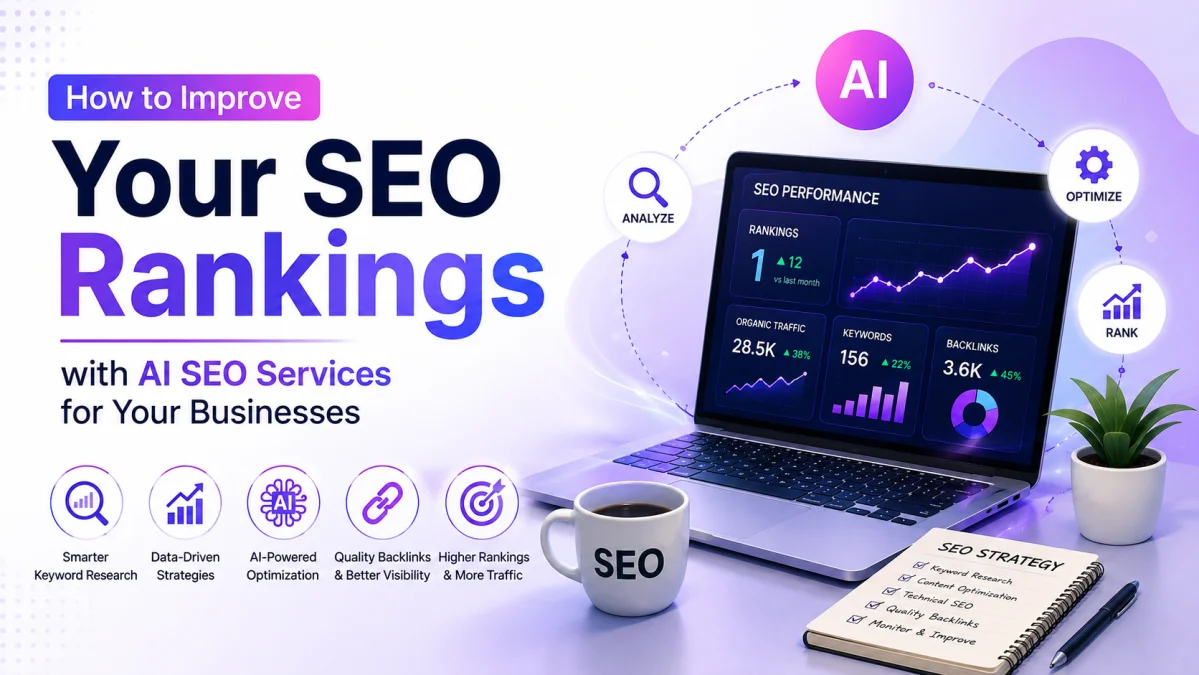

When most people consider SEO (Search Engine Optimization), they think of keywords, meta descriptions, and backlinks. However, other essential elements are frequently neglected for example - Images. As search engine algorithms emerge more sophisticated, images boost your website's search ranking. If you use WordPress for your website online, optimizing your images can attract more audience, page speed, visibility in image search results and more.
In this blog, let’s focus on the best SEO practices for Images in WordPress, with why it is important to work on SEO points, and how you can make your images more demanding on your website.
Why Image SEO Matters?
Let's first examine the importance of image optimization before getting into the specifics.
Enhances Site Speed: Unoptimized images can significantly slow down your website, as they are often the most crucial component. In light of this, page speed is another crucial factor that makes optimization crucial.
Enhances Accessibility: By helping visually impaired users comprehend your material, properly optimized images with alt text content may improve the accessibility of your website.
Increases Traffic: When your website or blog images are optimized, it draws more people to your website.
Improves User Experience: This is known by everyone, that amazing images improve the overall user experience which may reduce bounce rates and increase the amount of time visitors spend on your website.
10 Best Search Engine Optimization Practices for Images on WordPress
Let’s spoil the satisfactory image search engine optimization practices you should implement on your WordPress website.
1. Optimize Image Sizes and Formats
Making sure your photographs are appropriately sized and structured for the web is the first step in image optimization. Search engine optimization and user experience may suffer if your website loads slowly due to large, high-definition photos.
File Formats: JPEGs work well for most of the images because of their small document length and suitability. PNGs are ideal for images with prominent backgrounds for portraits with sharp edges. Newer formats like WebP provide superior compression without compromising image quality, making them a remarkable preference for faster loading times.
Image Resizing: Don't upload too many images to your website. For instance, if your page layout only shows images at a width 800px, there is no motive to add a 3000px-high image. Plugins like ShortPixel or Smush can manually compress and resize pictures.
So, if you’re using an image for a blog post, consider compressing it to a smaller length without sacrificing quality. A 500KB picture might load appreciably faster than a 2MB image and nevertheless look extraordinary.
2. Use Descriptive and Keyword-Rich Alt Text
Alt text, or alternative textual content, describes the content of an image. It’s no longer only used for search engine optimization functions; it also improves accessibility for visually impaired customers who use screen readers. Moreover, it enables search engines like Google to apprehend what the photo is set to.
When creating alt text, try to include relevant keywords; however, maintain it natural and descriptive. Avoid keyword stuffing.
Instead of using alt text content like “image1.Jpg,” you could write, “Delicious chocolate cake recipe for beginners.” This will help engines like Google rank your picture within the proper context.
3. Customize Image File Names
Search engines use record names as a part of the picture ranking procedure. A random file name like “IMG_128.Jpg” doesn’t greatly assist search engine optimization. So, try to make it clear with file names that will be separated by hyphens like” seo-recommendations-for-wordpress.Jpg”. So, this way search engines quickly look for the context of the photo.
4. Optimize Image Title and Caption
Although the title text for an image has become less critical, mainly for phone users, it can nonetheless be helpful. Title text appears while you hover over an image, so it’s a risk to reinforce the context or upload a keyword.
Captions are important because they appear alongside your photos and may assist with personal engagement and search engine optimization. While captions must be informative and engaging, avoid overstuffing them with keywords. For example- if you use a caption for a product like, “This wireless Bluetooth speaker gives incredible sound and portability.”
5. Compress and Resize Images
Uploading large images simultaneously for your WordPress web page will slow it down. Image compression reduces the report length without sacrificing too much first-rate. Compressing images is essential for enhancing your website's loading time, which without delay influences consumer revel in and search engine optimization.
You can compress images using some of the free tools like TinyPNG, ShortPixel, or Imagify before importing them to WordPress.
6. Create Unique and Original Images
Always try to create your own images. Google favors unique content, so using stock images or reusing content from different websites could neglect your SEO efforts. Instead, don't forget to take your very own images, increase infographics, or use illustrations that might be precise on your website or blog. For example, if you’re using a blog topic like “How to Start a Blog” , try to add infographics with important steps, and it raises your chances of ranking better in Google Image searches.
7. Ensure Mobile-Friendly and Responsive Images
With phone visitors on the upward push, your images must look excellent and load well on all your devices. WordPress has integrated the capability to serve responsive images, but you must nonetheless ensure your theme and pictures are optimized for the phone.
Use responsive image techniques to serve exclusive variations of your images based on the user's display screen size. This ensures that photos load quickly without compromising quality.
8. Ensure Proper Placement of Images and Text
Your web page's images must be appropriate to its content. Make sure your photos are placed near the relevant content since Google evaluates the surrounding text to determine the context of the image. For instance, an image displaying any step in an information blog will be displayed close to the specific one. This helps with search engine optimization and improves the consumer experience by keeping the web page in a logical flow.
9. Focus on Avoiding Keyword Stuffing
When it comes to image SEO, focus on adding the keywords in the form of alt text, file and blog name. But, do it by avoiding overusing the keywords as it makes your content appear spammy and affect your ratings and user experience.
Note: Always try to use keywords carefully in moderation relevant to both the images and blog content.
10. Regularly Audit Your Images
Lastly, to make sure that your images are still optimized, What’s most important? Regular optimization of the images on the website. You may examine the overall performance of your website and observe how images affect loading time. You can do it by using tools such as Google PageSpeed Insights or GTmetrix.
Final Thoughts
Image search engine optimization is not taken seriously but it is the most important part of optimizing your website. So, here are the quality practices to improve the website’s user experience for example optimising file size, descriptive alt texts, unique & specific images and also ensuring mobile responsiveness are part of improving search engine rankings.
Remember, images are more than just elements as they can influence site visitors, enhance the website's overall performance, and contribute to higher SEO consequences. By optimizing your images well, you’ll set your website up for long-term fulfillment.